
Here we explore importing html and markdown versions of public domain books **by hand**. Our aim is to establish best practice with regard to the utility and visual clarity of the end result - while understanding the markup structure so we can design a series of useful import tools.
# Example First we take the image paragraph element from the original html:

Then we replace the `scr` attribute with a full url to the image hosted in wiki. These images are from an unzipped folder of the Project Gutenberg archive - simply dropped into the wiki assets folder.
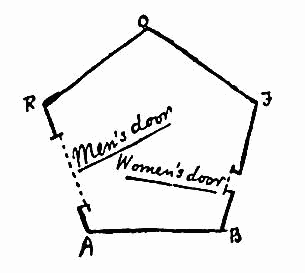
We add a future-item to the page, open the assets page and click on the relevant image to open it up in a new browser tab. Finally we drag and drop this url back onto the future-item to import the image into wiki.
Here is an example of the final imported image:
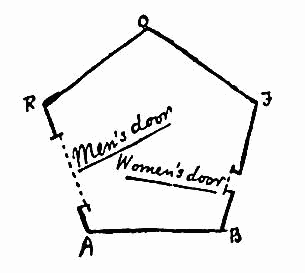
Figure: 2
We can see that it is a thumbnail and wiki does not give us the option of scaling the image to full width for images that are too small - our augmented and import tools will give us the option to do this.